The steps
- Queued. The ticket waits for a free run slot. Your company runs a set number of tickets at the same time; see Limits.
- Reading the request. Your message wins over the ticket’s shape. A question gets an answer. A request to split the work gets a breakdown. A request to build gets a plan.
- Checking existing work. If an open pull request already fixes the problem, CodeObsess says so instead of opening another one.
- Planning. Before writing code, CodeObsess writes a step-by-step plan and has it reviewed. Bigger features get a fuller plan. See Plans and approval.
- Building. It writes the code, makes a simplicity pass and gets an independent code review. Every finding is fixed or answered.
- Testing. It runs the tests. For screen changes it drives your app in a real browser at desktop and phone widths and takes screenshots.
- Pull request. It opens a pull request and posts its report. See Pull requests.
The report
The report always has the same parts: the pull request, what changed, what was verified, the manual tests for you, what was not verified, and what needs your decision.Where you see it
- In your ticket tool: a status comment that moves with the run, then the report.
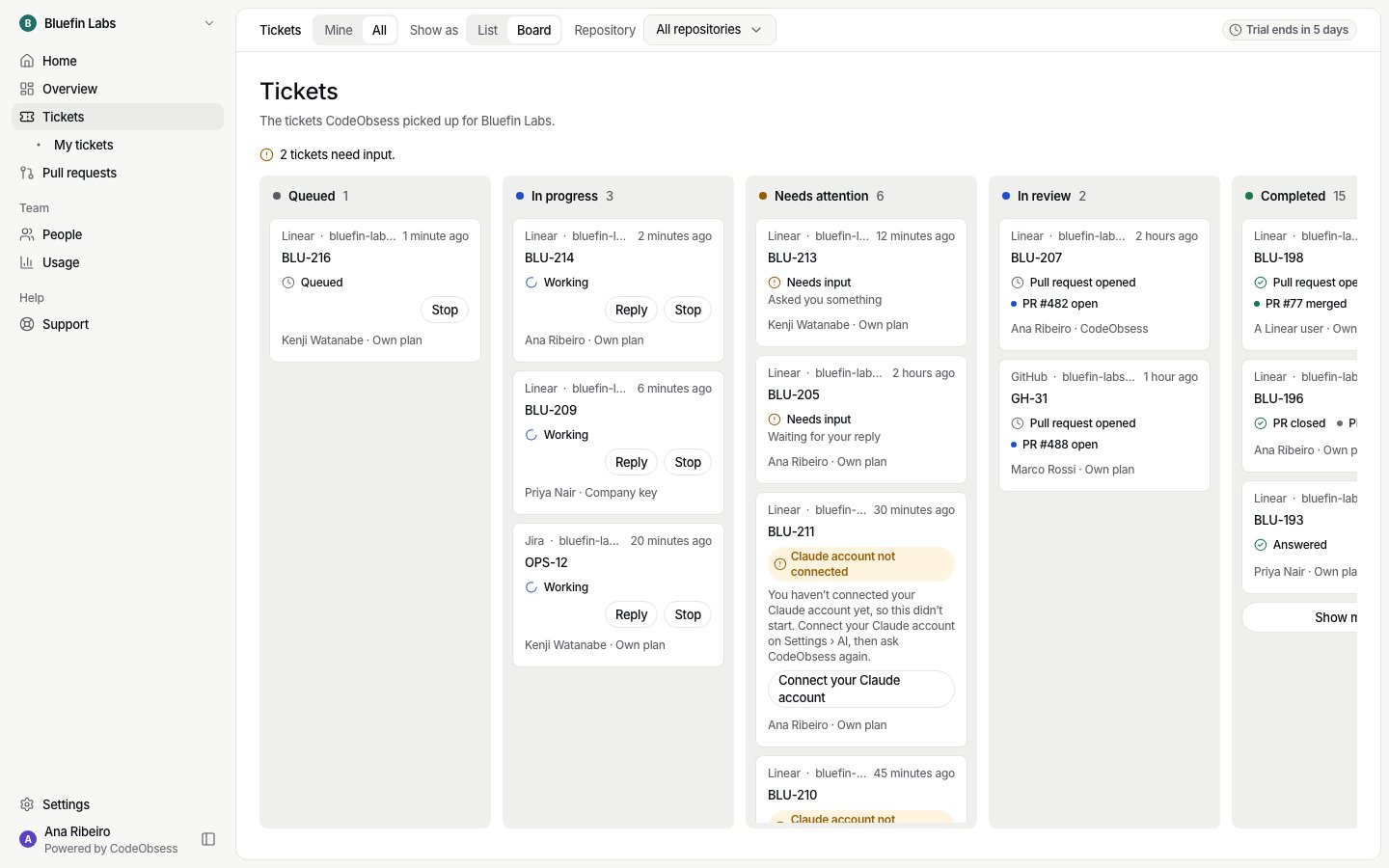
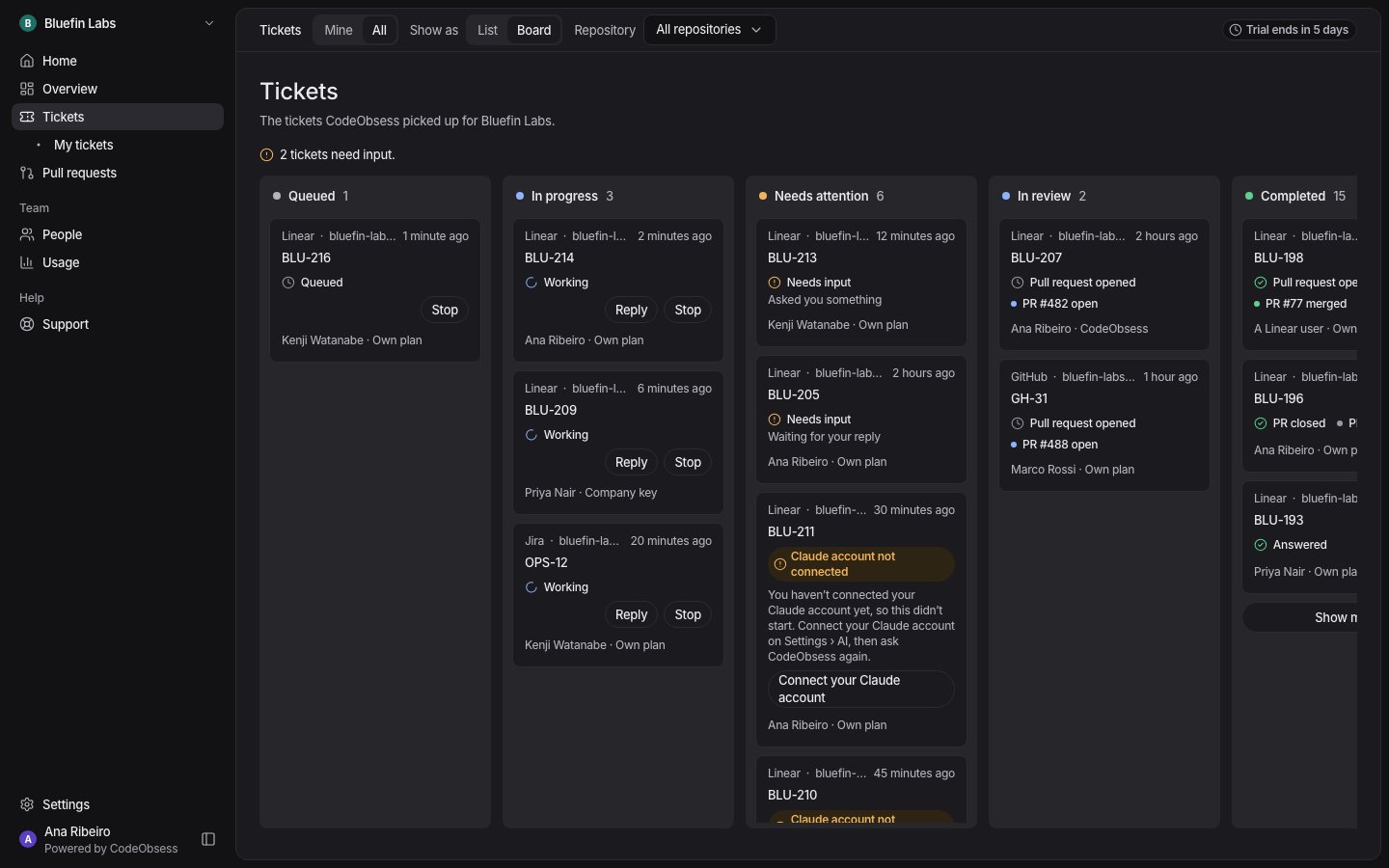
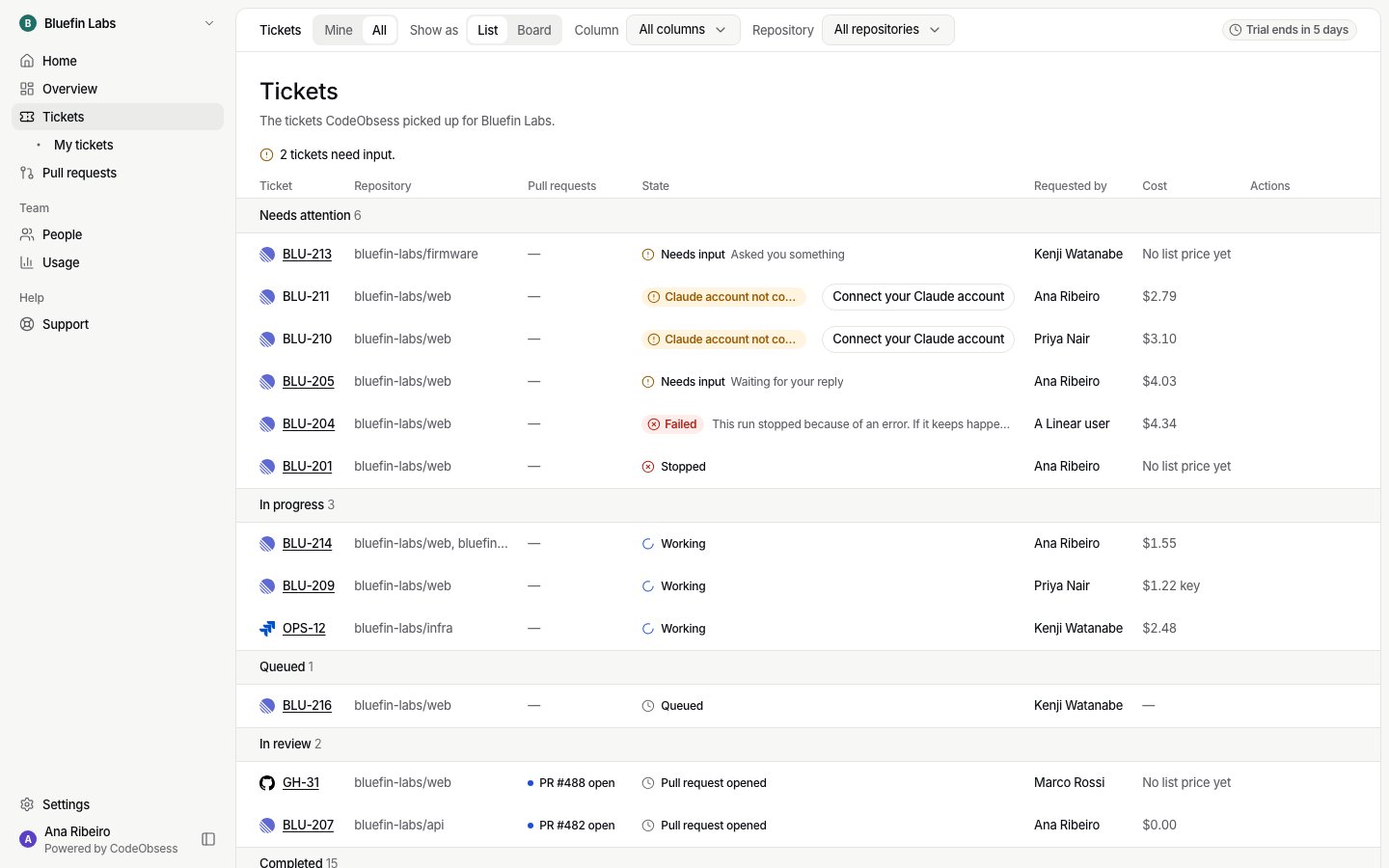
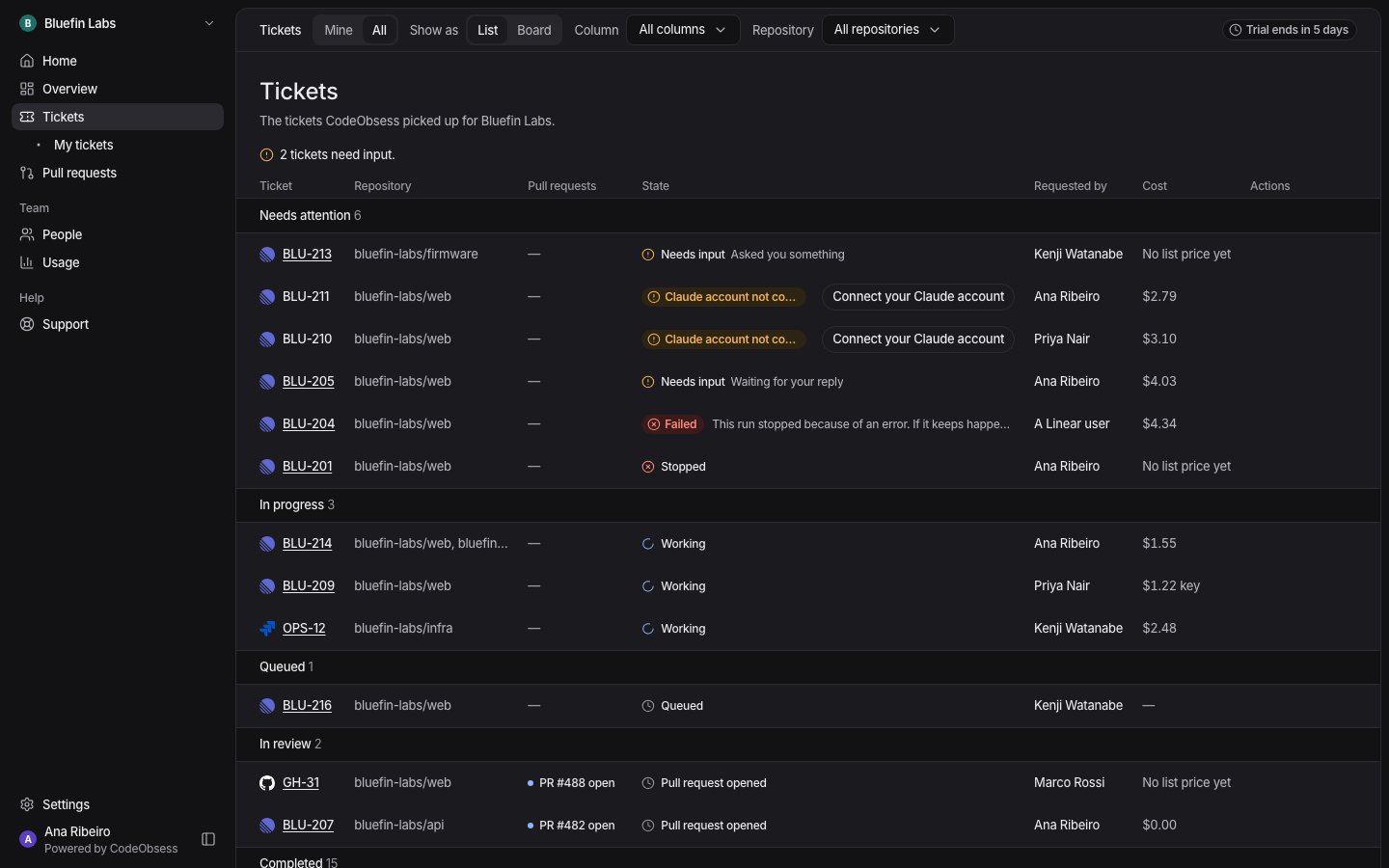
- In CodeObsess: Tickets shows each ticket on a board or a list: Queued, In progress, Needs attention, In review and Completed. Open a ticket to see its conversation, plan, pull requests and screenshots, with Reply and Stop.
Where the work happens
Each run happens in its own locked-down space, with only the repositories it needs. CodeObsess starts in your product’s main repository and may read others. Read-only repositories are never changed. Each changed repository gets its own pull request. See Security and privacy.Screen changes
For a new screen or a big change with no design attached, CodeObsess first shows a mockup and waits for your approval. Reply exactlyapprove, approved or approve design to approve. Anything else is feedback. A tiny fix goes straight to code.