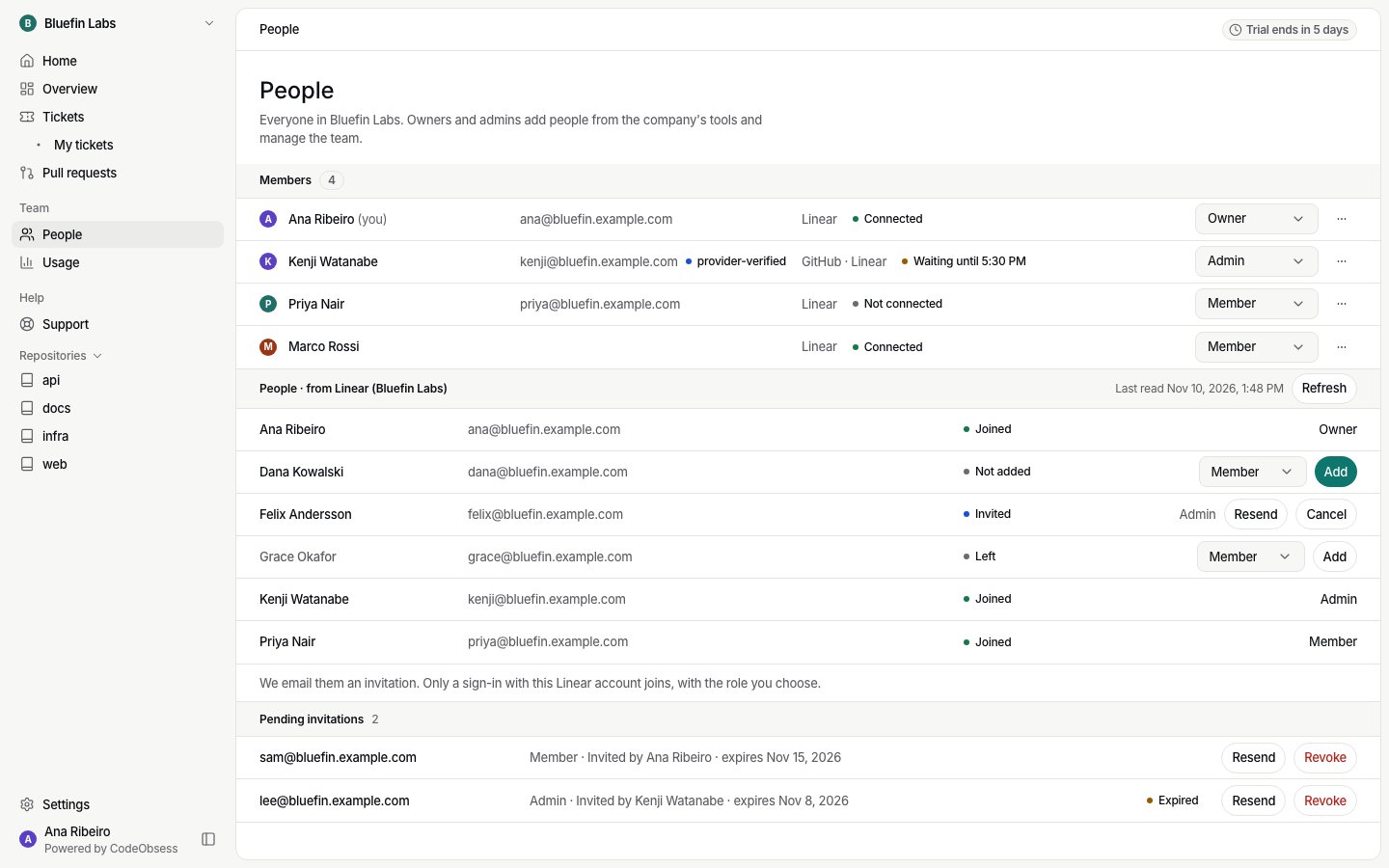
People lists everyone in your company: name, role, sign-in methods and whether their Claude account is connected. Owners and admins also see email addresses.
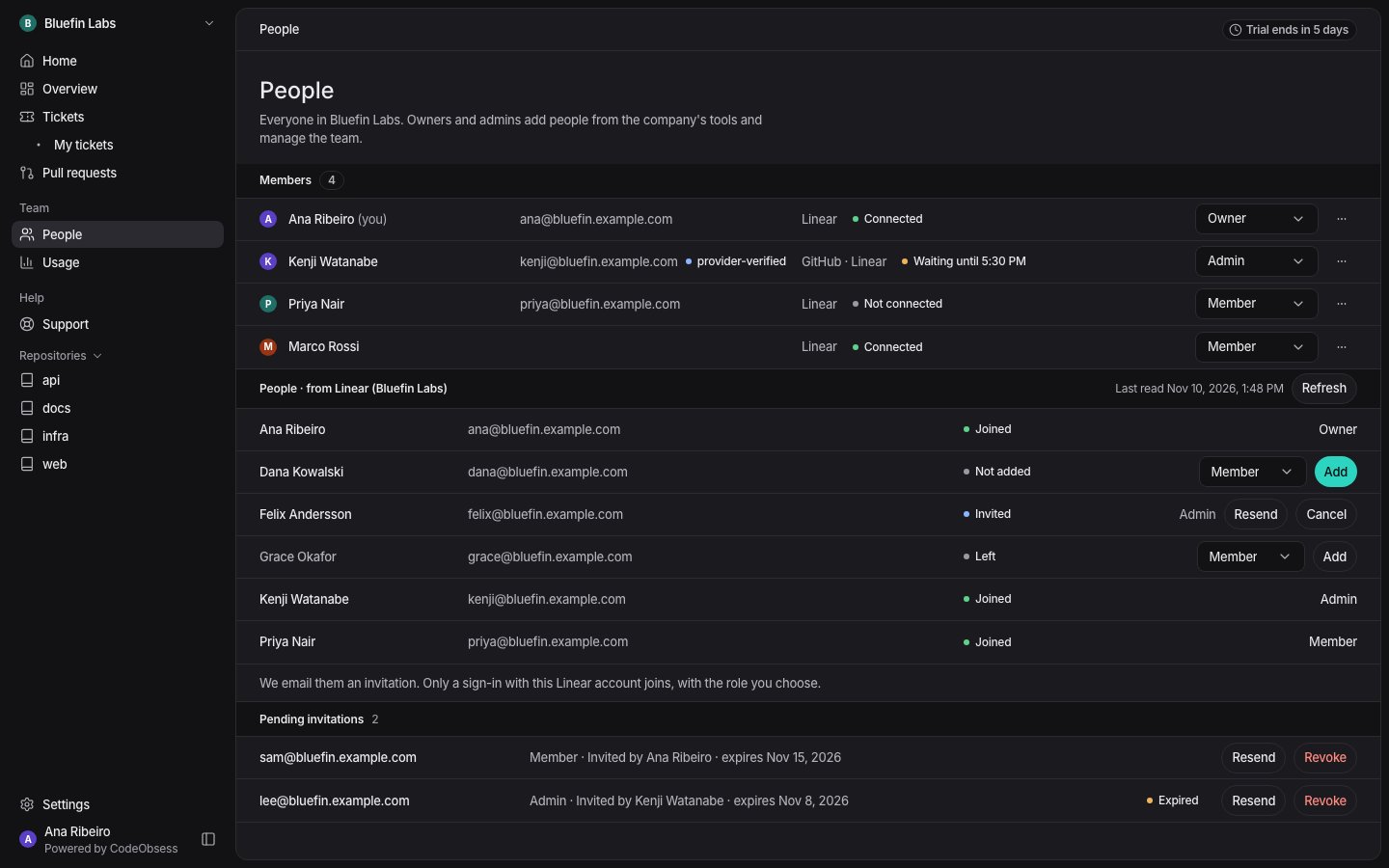
The People page: the members list with roles and Claude state, then People from Linear with Joined, Invited, Not added and LeftThe People page: the members list with roles and Claude state, then People from Linear with Joined, Invited, Not added and Left

People from your tool

Under the members list, People · from your tool lists the people of your company’s tool, each marked Joined, Invited, Not added or Left:
  • With Linear connected: your Linear workspace’s users.
  • With GitHub: the people who can access your chosen repositories.
  • With Bitbucket: your Bitbucket workspace’s people.
Apps and bots are never listed. Press Refresh to read the list again; you can refresh every few minutes. To add someone, see Invitations.

Manage the team

From a person’s row menu, owners and admins can:
  • change their Role (see Roles),
  • Transfer ownership to them (owners only): they become an owner and you become an admin,
  • Remove them: they lose access at once. Their own accounts in your tools are not changed.
To leave a company yourself, choose Leave company in your own row’s menu. You lose access at once; to come back, someone has to invite you again. The last owner can’t leave.

Access to repositories

Owners and admins see every ticket. A member sees a ticket when GitHub (or Bitbucket) gives them its repositories, or when an owner or admin gives them access in Settings › Repositories › People. Members always see the tickets they asked for.